
XiaDown
A dual-engine video download tool with online music support
Listen Keep Make it Yours
DOWNLOAD
Choose your build
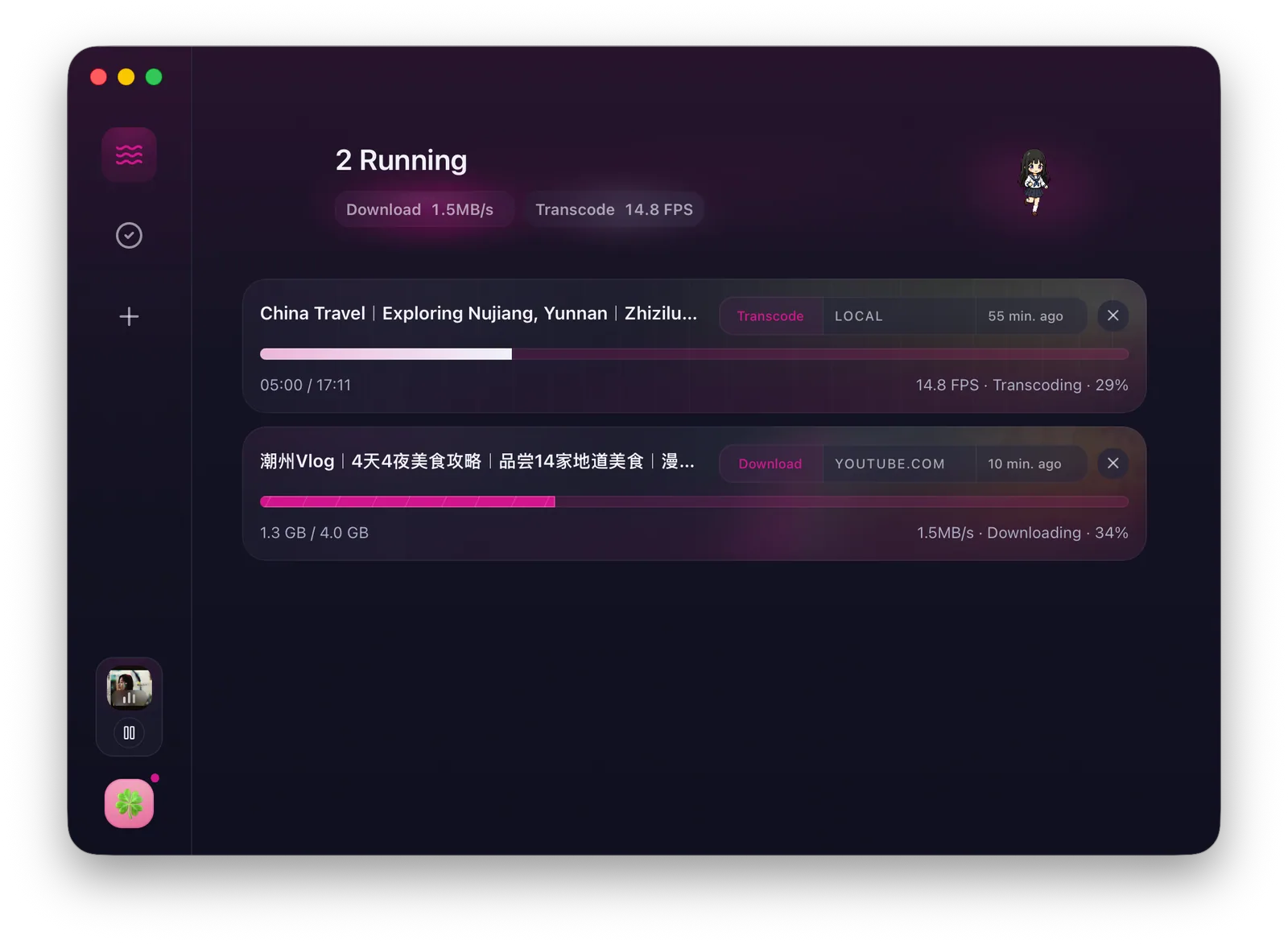
Download and transcode
Capture material with two engines, then transcode it in place
Use YT-DLP for regular links and CDP sniffing for complex pages, then continue straight into FFmpeg transcoding.
Paste link Perfect Night YT-DLP · video, subtitles, and cover
Downloading
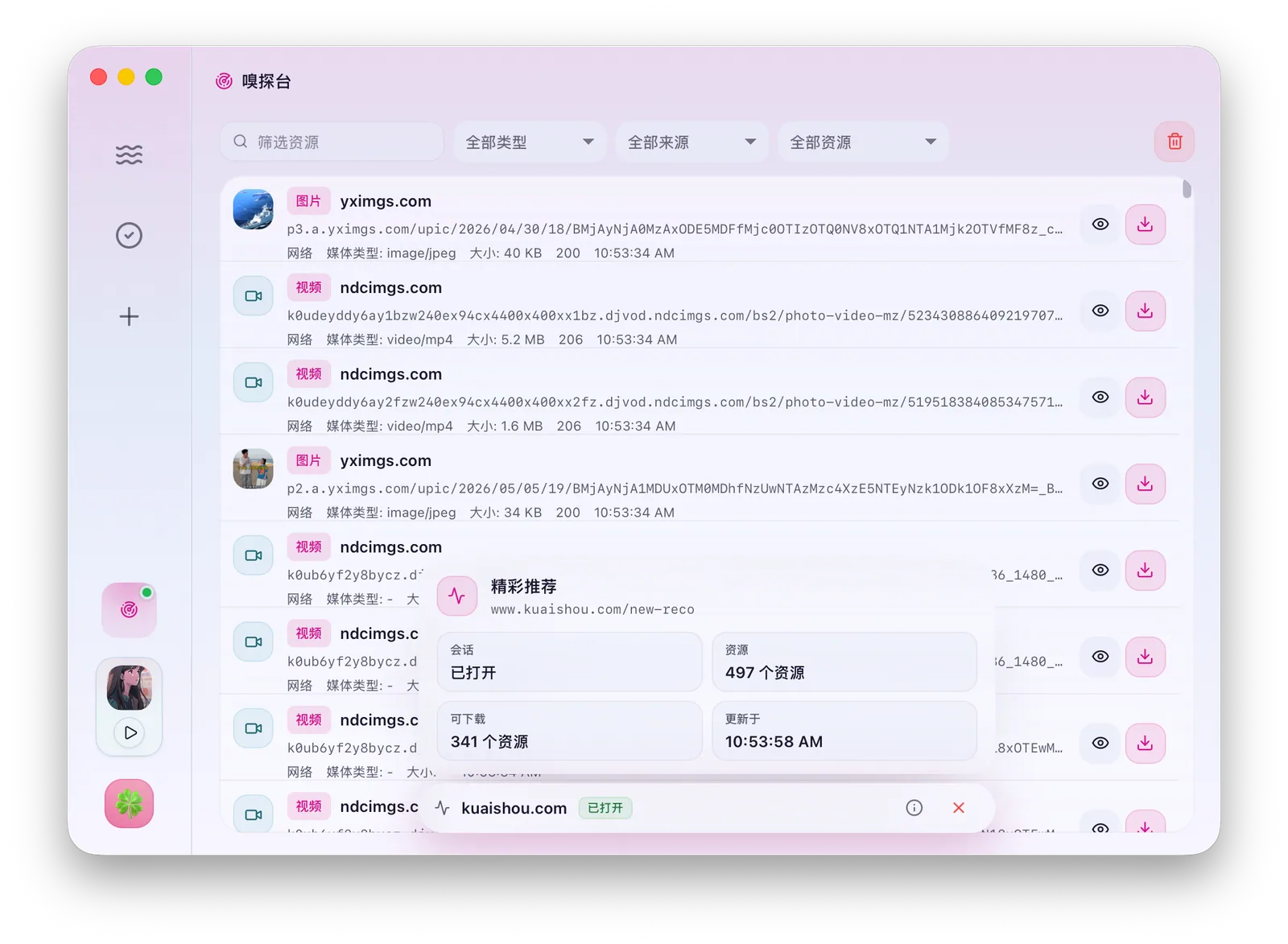
Resource management
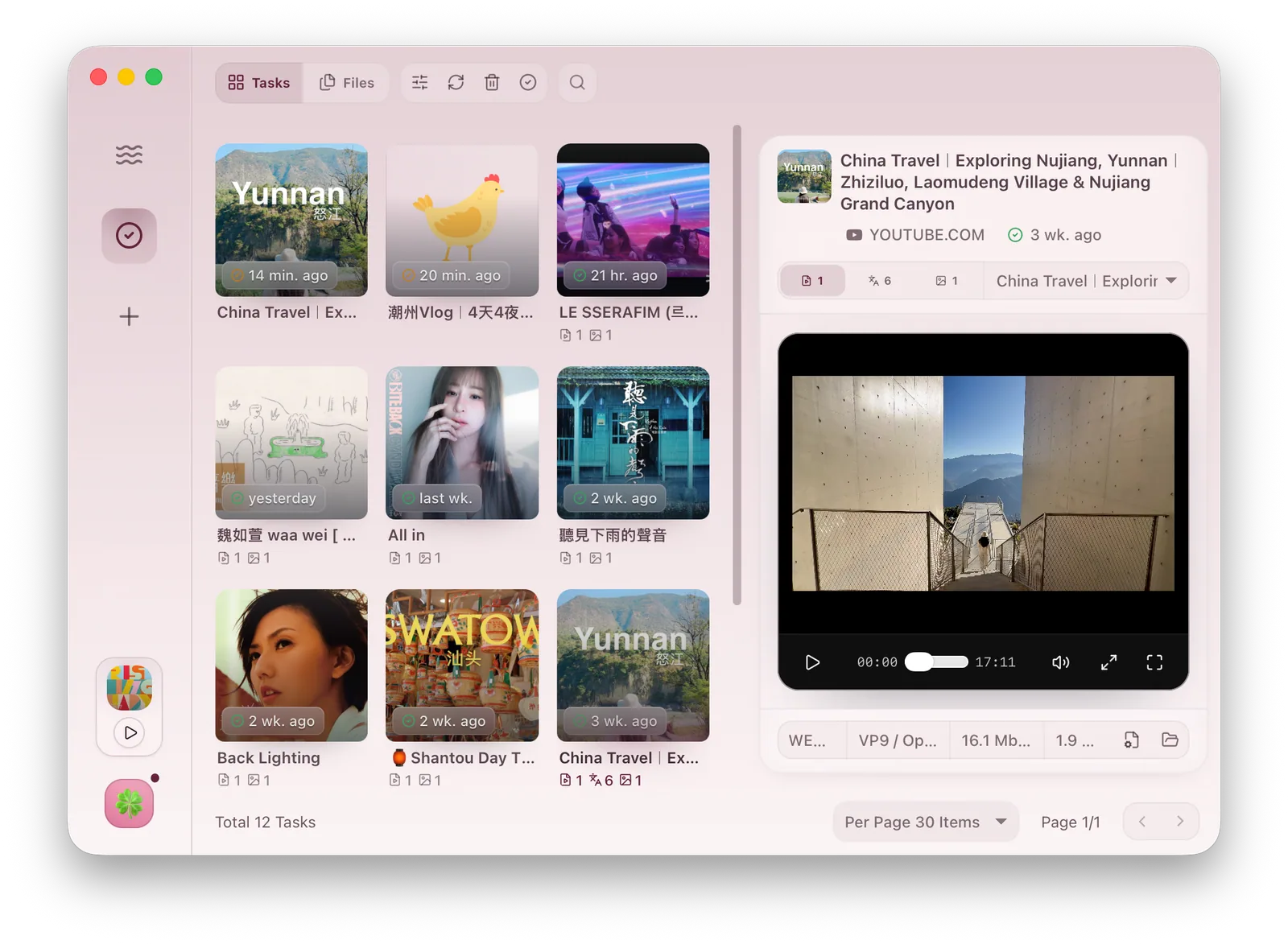
Tasks and files land in one library
Downloads, transcodes, subtitles, covers, and imported files stay traceable across task and file views.
Task view Resource management in two views Task view · downloads, sniffing, transcodes, and imports
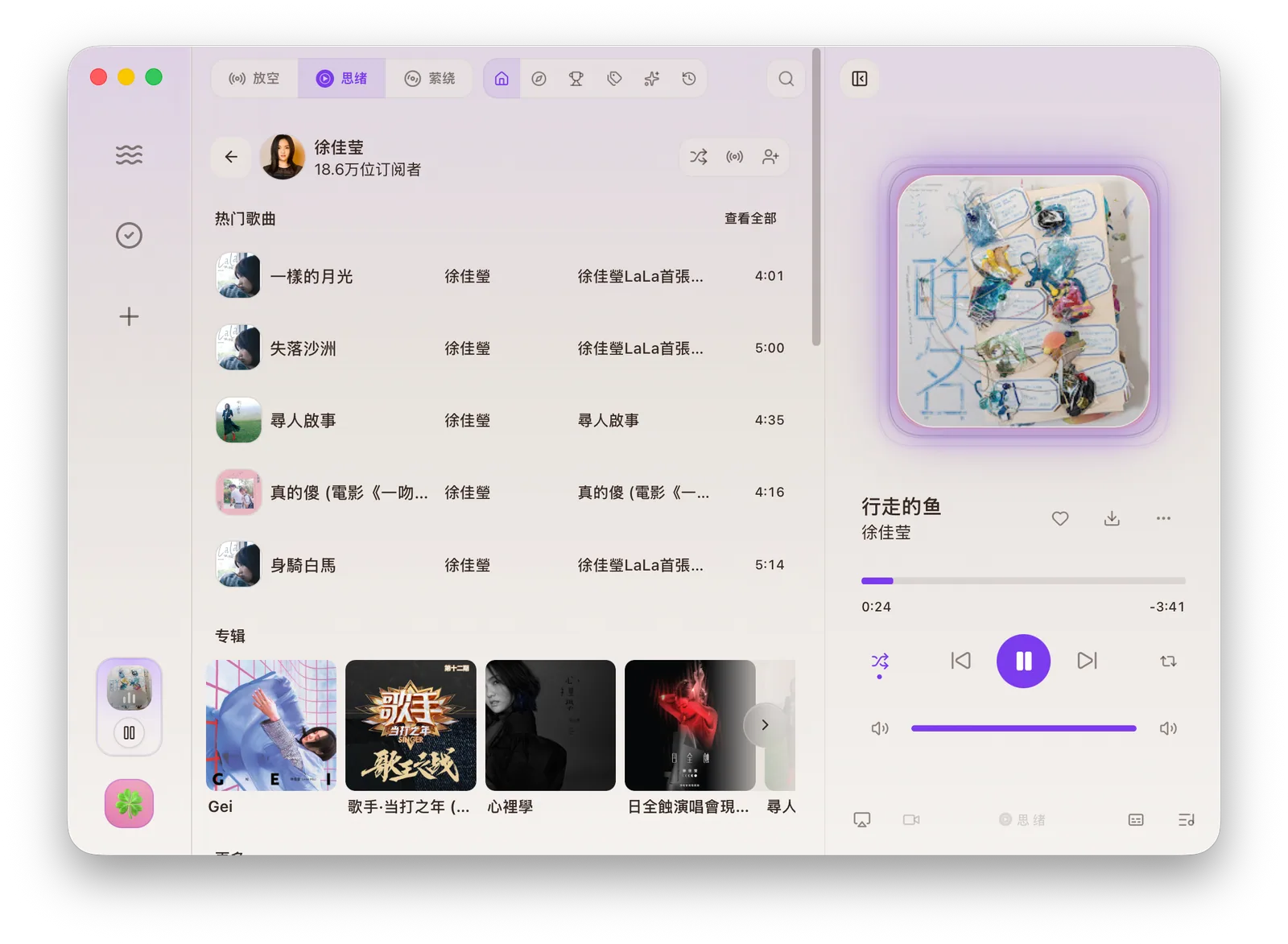
Player
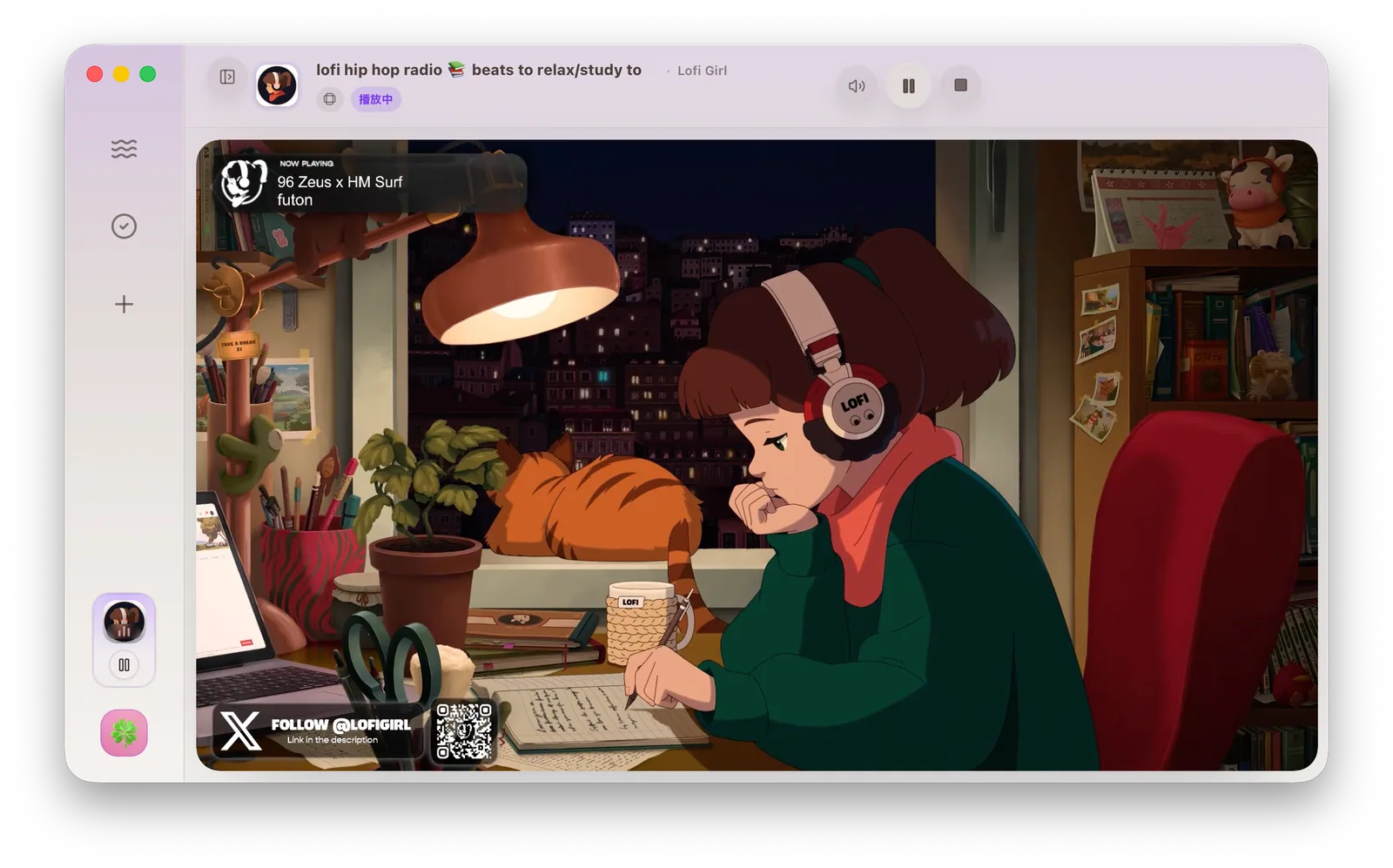
Local music, YouTube Music, and Live share one player
Equalizer, synced lyrics, romanization, and spectrum visualization follow playback, with mini controls for the queue.
Ready
tokyo night drive
TOKYO TONES
Isolation
Dependencies, accounts, and browser sessions stay separate
The app maintains its toolchain while Cookies and browser Profiles stay isolated through connection settings.
Toolchain YT-DLP / FFmpeg / Bun install, verify, repair
Freedom
Shape the interface and desktop companion around your habits
Themes, light/dark mode, accents, fonts, sizing, sidebar style, and Codex Pets define the long-term workspace.
Theme Pack live palette
OPEN SOURCE
Built on dependable tools
XiaDown is built with YT-DLP, FFMPEG, Go, Wails, React, and SQLite. Source code and historical releases are available on GitHub.
YT-DLPFFMPEGGoWailsReactSQLite
FAQ
Before you install
Which browsers can XiaDown launch?
XiaDown CDP sniffing can launch installed copies of Chrome, Chromium, Edge, Brave, Vivaldi, Arc, Helium, Opera, Opera GX, and Yandex Browser, with Chrome preferred by default. Safari and Firefox are not currently supported.
What should I do if Windows SmartScreen appears?
If the installer came from this site or GitHub Releases, choose “More info”, then “Run anyway”.
Why does first launch install dependencies?
XiaDown uses YT-DLP, FFMPEG, and BUN for downloads, transcoding, and runtime tasks. The onboarding flow helps install or repair them.